
1. Block the YouTube app
- Open Settings → Screen Time. Turn on App & Website Activity if it's off.
- Tap App Limits → Add Limit, find YouTube in the categories and select it. Tap Next.
- Set a daily time and save. For set hours (like 9 to 5, or after midnight), use Downtime with Block at Downtime on instead. That needs a Screen Time passcode.
YouTube Music is a separate app, so it isn't affected unless you select it too.
2. How to block YouTube on Safari
- Go to Settings → Screen Time → Content & Privacy Restrictions and turn it on.
- Tap App Store, Media, Web, & Games → Web Content.
- Choose Limit Adult Websites, tap Add Website under Never Allow and enter youtube.com.
How do you block YouTube on iPad?
The same way. iPad has the same Screen Time settings as iPhone, so the App Limit, Downtime and website steps above work on iPad too. If the iPad belongs to a child in your Family Sharing group, set it up from your own iPhone: Settings → Family → your child's name → Apps & Websites.
3. Can you block only YouTube Shorts?
Partly, and only inside YouTube itself. YouTube's own Shorts feed limit (profile → Settings → Time management) can cap the Shorts feed, down to zero minutes. For adults the stop screen can be dismissed, though, and Shorts still turn up in other places. iPhone's Screen Time can't help here: it works per app and per website, so any tool built on it, including Scroll Sheriff, locks the whole YouTube app, not one tab inside it.
All the options, step by step: how to block YouTube Shorts.
What if your classes are on YouTube?
Then don't lock YouTube during that study session. Lock TikTok and Instagram instead, and keep YouTube for the lecture. Locking an app you need for the work only teaches you to turn the blocker off.

"Figured. What's the smallest piece of it? We do just that."The Sheriff
A stricter way: YouTube waits for the work
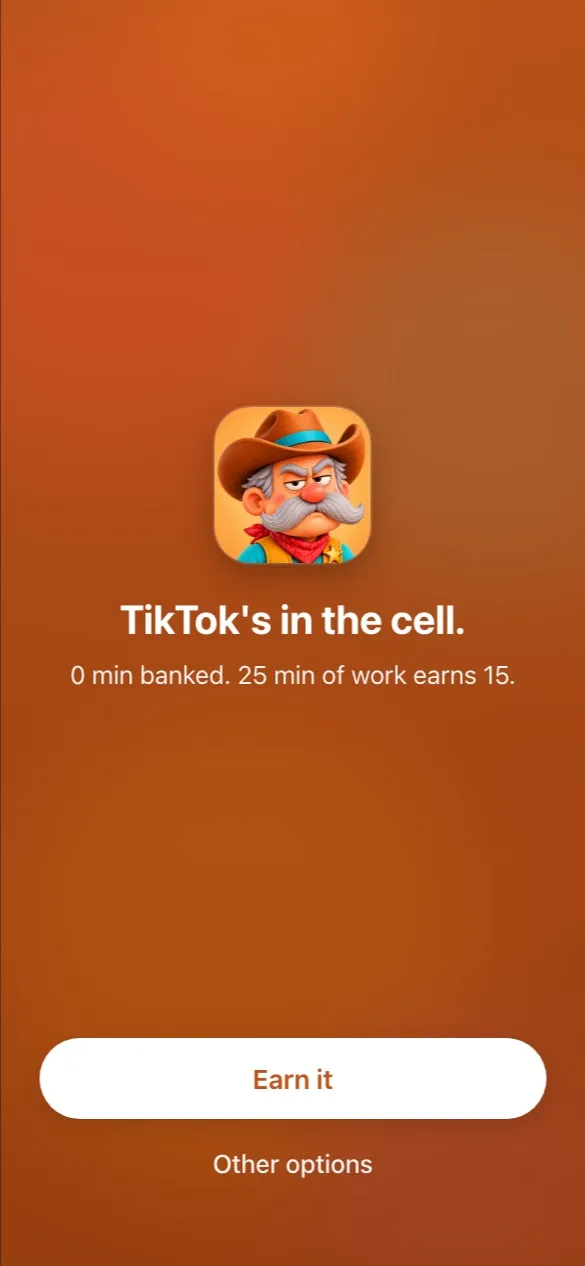
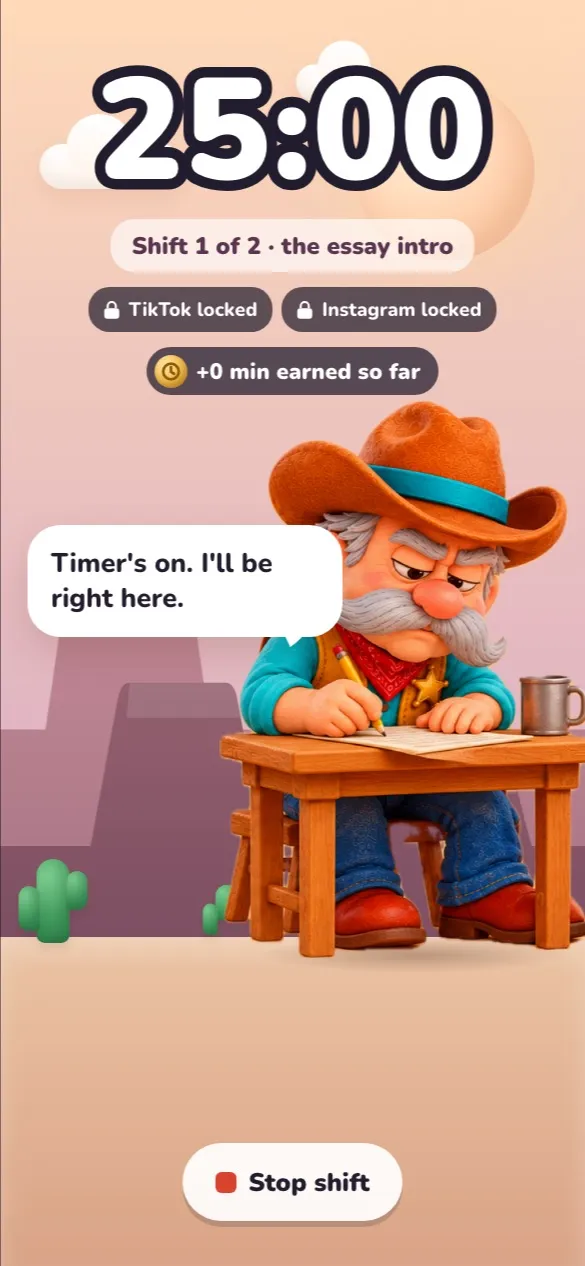
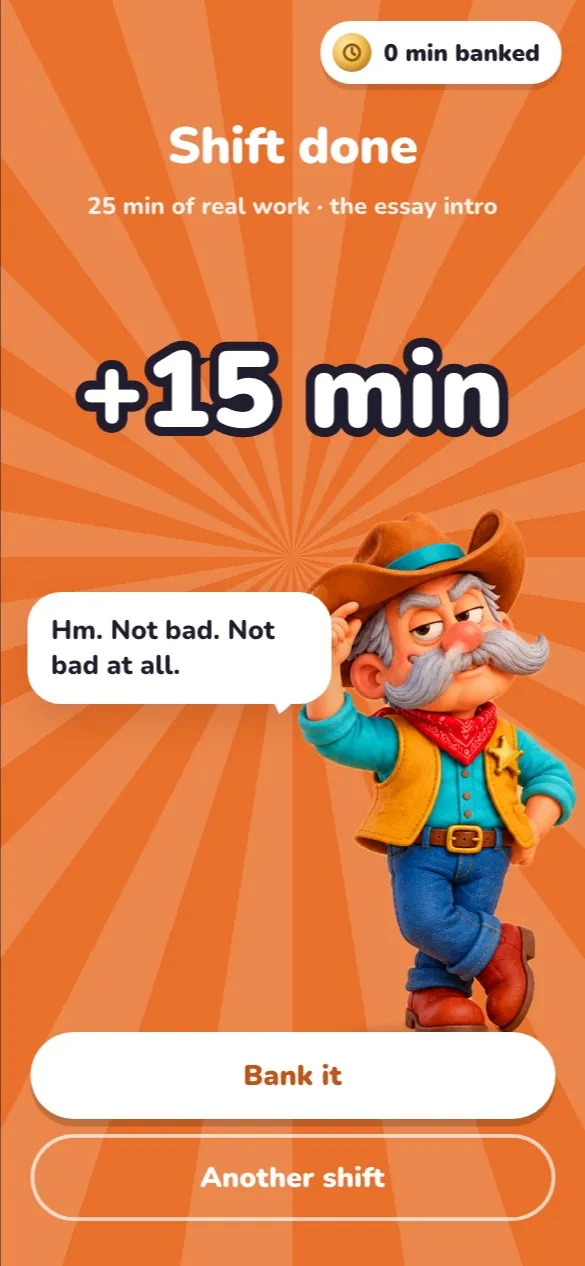
Scroll Sheriff (coming to iPhone) locks YouTube until you've done a 25-minute focus shift on your real work. Then you've earned 15 minutes. A grumpy sheriff keeps you company while you work, and push-ups work as a backup: one rep, one minute.
FAQ
How do I block YouTube on my child's iPhone?
Use Family Sharing: on your own iPhone, open Settings, tap Family, tap your child's name, then Apps & Websites, where you can block an app or website. Scroll Sheriff is made for blocking your own apps, not a child's.
Does blocking YouTube delete my subscriptions or history?
No. Blocking only stops the app or site from opening. Your account stays as it is.
Can I block YouTube only during work hours?
Yes: schedule Downtime for those hours and turn on Block at Downtime, or use Scroll Sheriff so YouTube unlocks once the work is done.
Is Scroll Sheriff out yet?
Not yet. We're building the iPhone app now. Join the waitlist and we'll email you once, when it's ready. It will be free, with optional Premium.