
Why is it so hard to focus while studying?
Because studying is hard and the phone is easy. When a chapter feels boring, too big or scary to get wrong, the feed is the nearest way out of that feeling. You're far from alone: researchers estimate that 80–95% of college students procrastinate (Steel, 2007). The fix is less about willpower and more about setup: make the exit harder to reach and the first step easier to take.
How can I improve my focus while studying? 8 tips
1. Put the phone out of reach, or lock the apps
Another room is best. If you need the phone nearby (for a calculator, the course app or two-factor codes), lock only the feeds. The free iPhone setup is below.
2. Name a tiny first task
Not "study for chem". Try "do problems 1 to 3" or "rewrite Tuesday's lecture notes". A small, concrete first step is much easier to start than a whole subject.
3. Study in 25-minute blocks
Work for 25 minutes, then take a 5-minute break. This is the Pomodoro technique, which Francesco Cirillo developed in the late 1980s. 25 minutes is short enough to start and long enough to finish something. Frozen? Start with 10.
4. Keep only what the task needs open
One document, one tab, one set of notes. Every open tab is one more exit.
5. Study next to someone
A library, a friend, a video call where everyone works in silence. Having company makes it easier to stay put. People call it body doubling; more in our guide to procrastination apps.
6. Take real breaks
Stand up, refill your water, look out of a window. A five-minute scroll rarely stays five minutes, so save the feed for after the block.
7. Plan tomorrow's first block tonight
Deciding what to start is half the battle. Write down tomorrow's first task and time before bed.
8. Treat a slip as a reset
Lost an hour to Reels? It happens. Skip the guilt, which mostly buys more scrolling, and do one 10-minute block now.

"Rough one. Happens to the best of us. Ten minutes?"The Sheriff
How do I block apps while studying on iPhone?
Use Downtime for your study hours. It's free and built into the iPhone.
- Go to Settings → Screen Time → Downtime and schedule your study hours (use Customize Days for a weekly timetable).
- Set a Screen Time passcode and turn on Block at Downtime, so the apps really lock instead of just reminding you.
- Under Always Allowed, keep the apps the studying needs: your course app, calculator, dictionary, Messages for the group project.
- Close the back door: in Content & Privacy Restrictions → App Store, Media, Web, & Games → Web Content, choose Limit Adult Websites and add tiktok.com, instagram.com and youtube.com under Never Allow.
- Give the passcode to a roommate or friend until exams end.
More detail, including daily App Limits: how to block apps on iPhone.
Which apps should you block while studying?
- Block: the feeds, such as TikTok, Instagram, YouTube (unless your lectures are on it), Snapchat, Reddit and X.
- Keep: anything the studying needs.
The rule of thumb: if blocking an app would stop you studying, don't block it. Otherwise you'll end up turning the whole blocker off.
An app blocker for studying that you won't switch off
We're building Scroll Sheriff for iPhone, the app blocker we wanted during exams. TikTok isn't banned. It's earned.
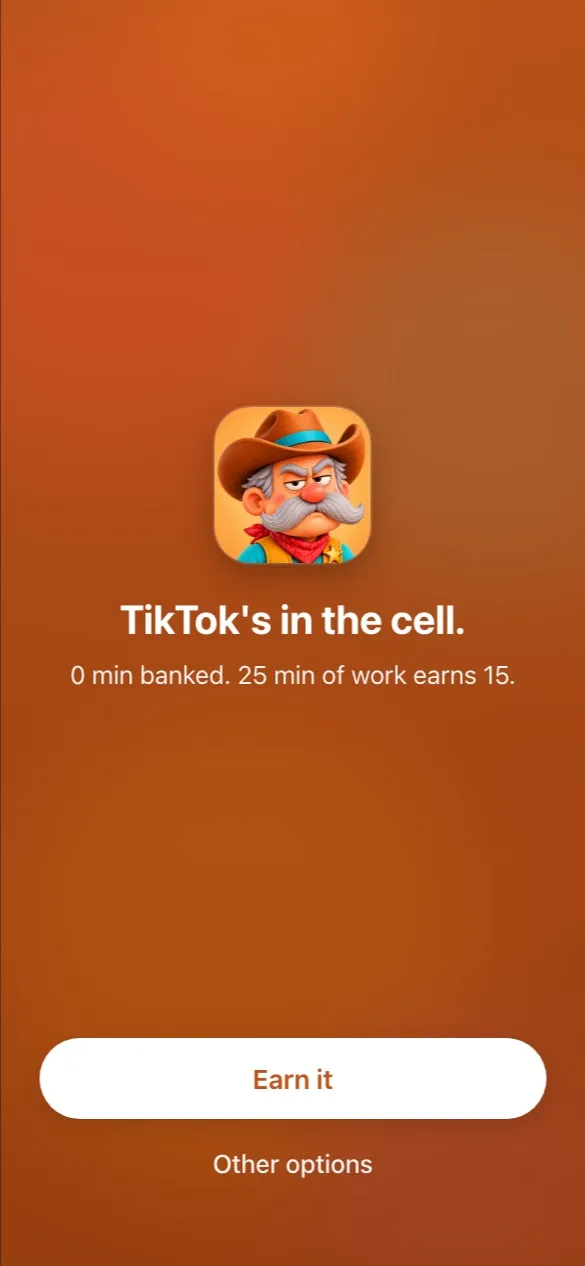
- Open TikTok during study time and the Sheriff's lock screen appears: "TikTok's in the cell."
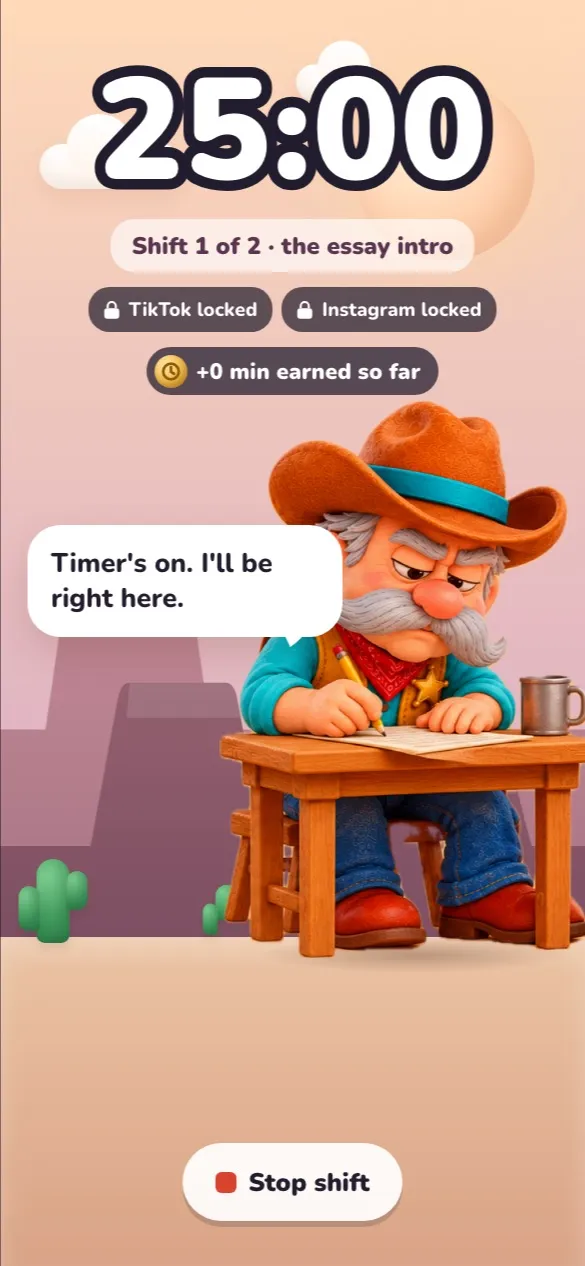
- Tap Earn it, name the task ("Chapter 3 notes"), and get a short pep talk.
- Study for 25 minutes. He keeps you company and checks in: "Halfway. Feed's still locked. You're doing fine."
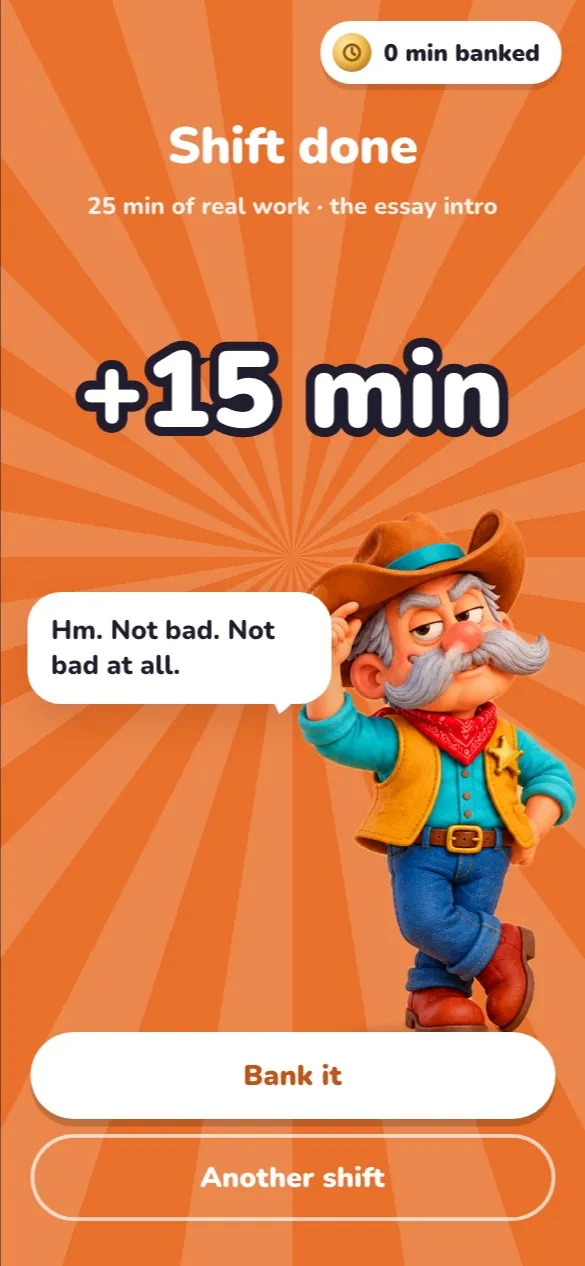
- Done? You've earned 15 minutes of scrolling, banked for whenever you want it.
- Can't face 25 minutes? Take a 10-minute starter shift, or pay in push-ups.
FAQ
How long should a study block be?
25 minutes is a good default, with a 5-minute break after. If starting is the hard part, begin with 10 minutes. Scroll Sheriff's 10-minute starter shifts earn proportionally less.
What's the best app blocker for studying?
The one you won't turn off. Total bans tend to get switched off within days. A blocker that lets you earn your apps back with study time is easier to live with through a whole exam season.
Can I block apps only during exam season?
Yes. Schedule Downtime for your study hours and turn it off after your last exam.
Is there an Android version of Scroll Sheriff?
iPhone comes first. Android is planned for later. Join the waitlist and we'll tell you when it's ready.
Is Scroll Sheriff free?
Yes. Locking up to 2 apps, focus shifts, the Sheriff, push-ups and streaks are free. Premium is optional. The app isn't out yet; the waitlist gets one email when it is.