
How do I block Instagram on iPhone?
- Open Settings → Screen Time → App Limits and tap Add Limit.
- Find Instagram in the categories and select it. Tap Next.
- Set a small daily allowance and save it.
- Close the back door: under Content & Privacy Restrictions → App Store, Media, Web, & Games → Web Content, choose Limit Adult Websites and add instagram.com under Never Allow.
For exam season, a schedule works better than a daily cap: set Downtime for your study hours and turn on Block at Downtime (it needs a Screen Time passcode). Full steps: how to block apps on iPhone.
The Instagram problem: it's a feed and a phone
Blocking TikTok is easy to justify. Blocking Instagram means missing the group chat, the class announcement, or the one message you're actually waiting for. So the block feels unreasonable, and unreasonable blocks get switched off.
Screen Time can't split Instagram in two. It locks the whole app or nothing. The fix is a quick, honest way in for messages that doesn't turn into an hour of Reels.

"One message. Two minutes. I'm watching the clock."The Sheriff
The Scroll Sheriff way
- Lock Instagram (and one more app, free).
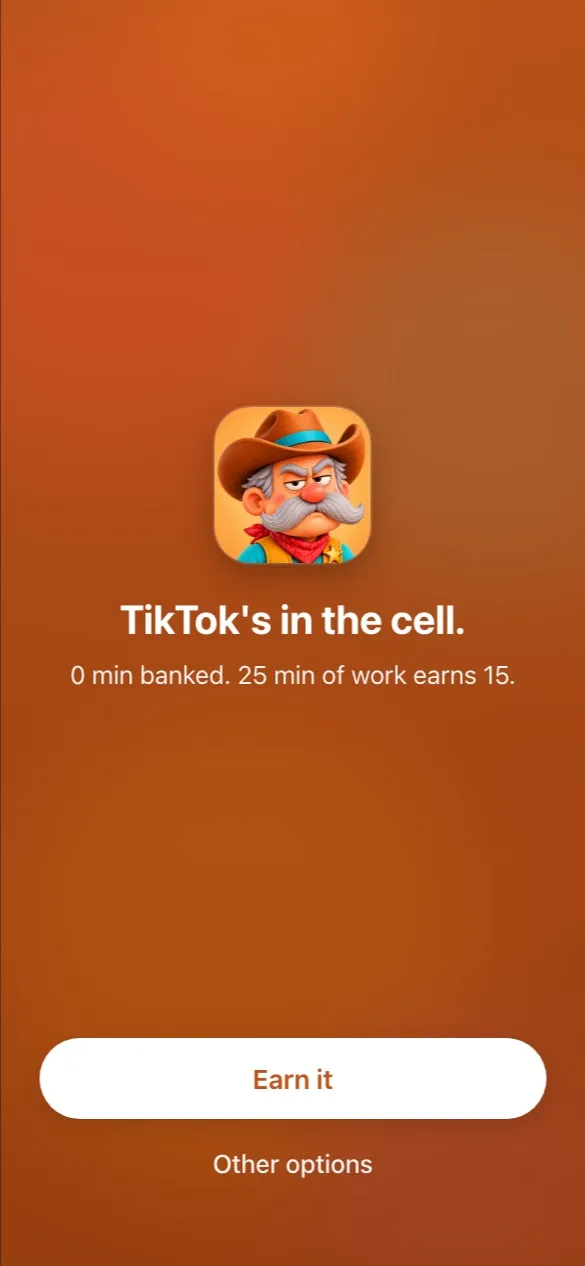
- Open it and the Sheriff's lock screen appears. Tap Earn it and say what you need.
- Need to answer a message? He gives you two minutes, then it locks again.
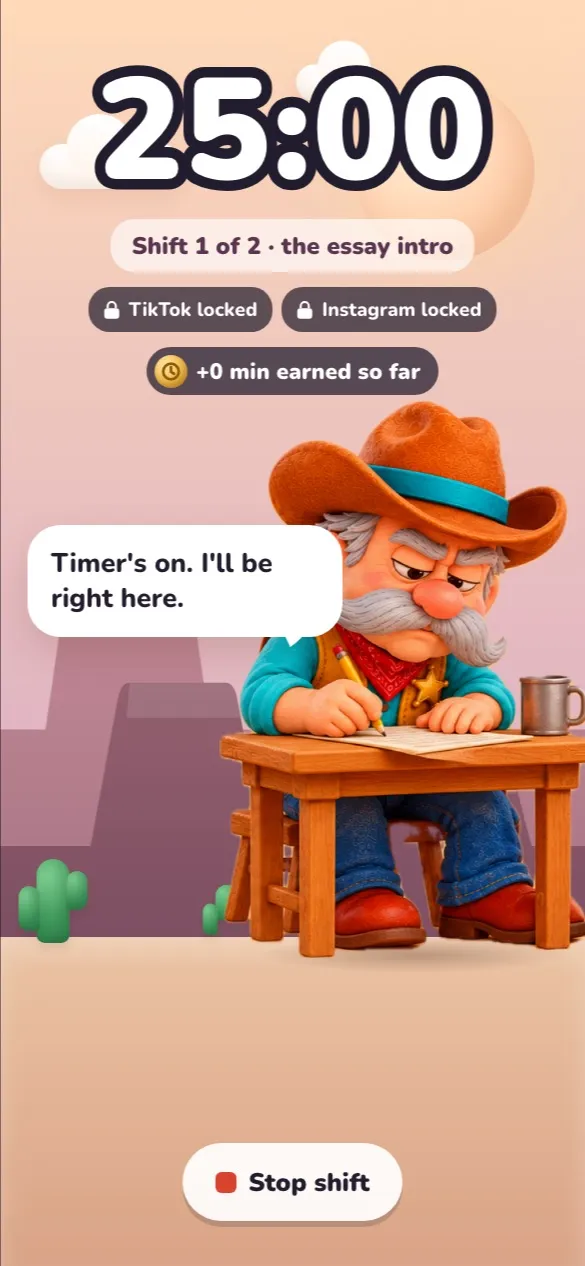
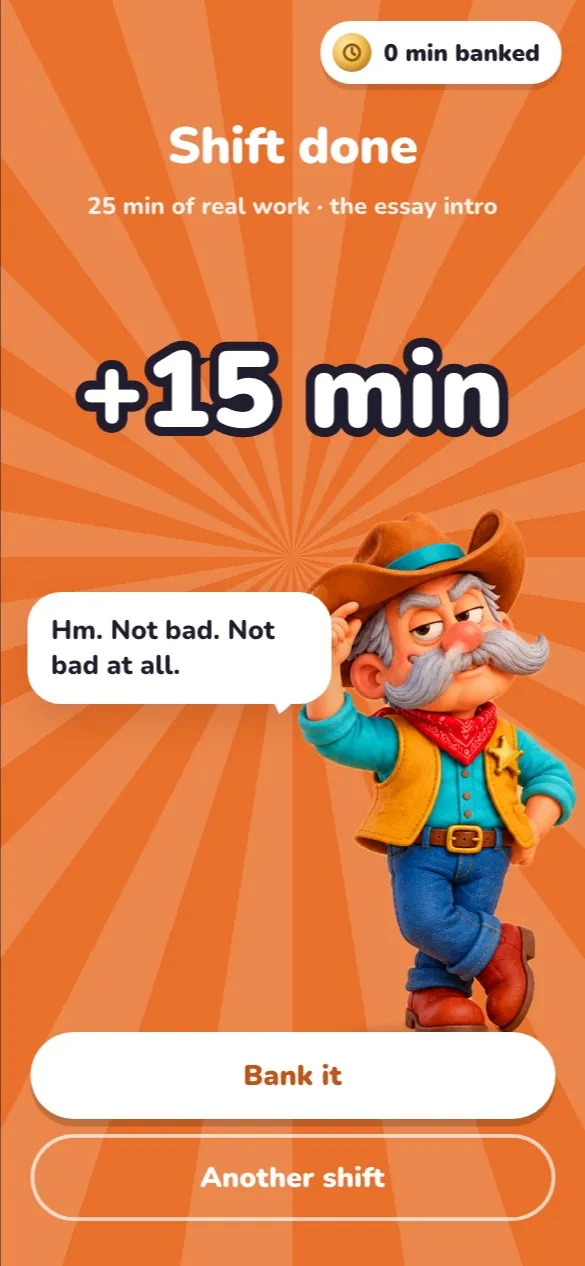
- Want the feed? Do a 25-minute shift on your real work first. Finish it and you earn 15 minutes of scrolling.
- Slipped and scrolled anyway? No lecture. He offers a 10-minute restart.
FAQ
Can I block Instagram Reels but keep messages?
Not with Screen Time: it locks the whole Instagram app. Scroll Sheriff's two-minute message pass is the middle ground: messages stay possible, the feed waits for the work.
Does blocking Instagram delete my account?
No. Blocking only stops the app from opening. Your account, posts and messages stay as they are.
How do I block Instagram during exams?
For free: a Downtime schedule for study hours with Block at Downtime on, plus instagram.com blocked in Safari. With Scroll Sheriff: Instagram stays locked until each study shift is done.
Is Scroll Sheriff free, and is it out?
It will be free, with optional Premium. We're building the iPhone app now. Join the waitlist and we'll email you once, when it's ready.