How do I block the TikTok app on iPhone?
- Open Settings → Screen Time → App Limits and tap Add Limit.
- Open the categories, find TikTok and select it. Tap Next.
- Set your daily allowance. The lower, the better. Save it.
- Block the website too: Screen Time → Content & Privacy Restrictions (turn it on) → App Store, Media, Web, & Games → Web Content → Limit Adult Websites, then Add Website under Never Allow and type tiktok.com.
- Optional but powerful: let a friend set your Screen Time passcode, so tapping past the limit isn't one tap away.
Want TikTok gone only during study hours? Use Downtime with a schedule instead. All the steps are in how to block apps on iPhone.
Why "just block TikTok" stops working by finals week
At 2 pm on a Tuesday, TikTok isn't really the problem. The essay is. TikTok is just the nearest exit. A block closes the exit, but you're still staring at a blank page, so the block is the thing that goes. Most people switch it off within days.
What works better is a trade: TikTok isn't banned, it's earned. Do the hard thing first, then scroll without guilt.

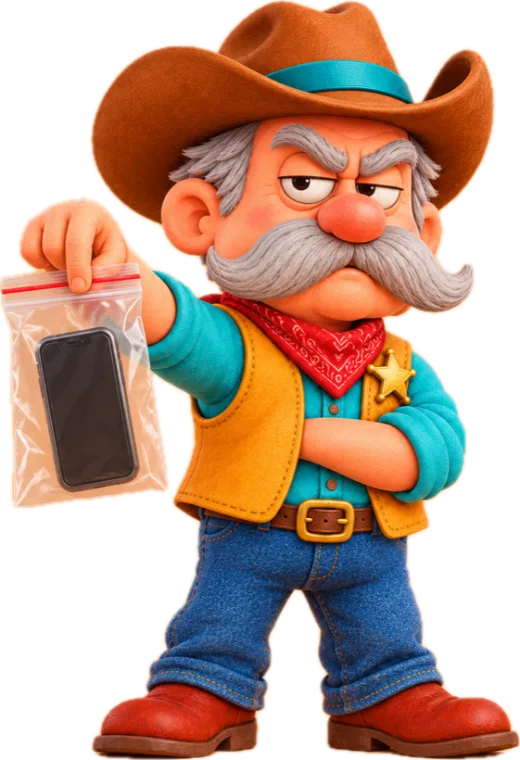
"TikTok's in the cell."The Sheriff
The Scroll Sheriff way: work earns your scroll
- Pick TikTok (and one more app, on the free plan) to lock up.
- Open TikTok and the Sheriff's lock screen appears instead. Tap Earn it.
- Tell him the job ("Chapter 3 notes") and start a 25-minute shift. He keeps you company, checks in, and calls you back if you drift.
- Finish and you've earned 15 minutes of TikTok, banked and guilt-free. When they run out, it locks again.
- No work in you right now? Do push-ups instead: one rep, one minute.
| Screen Time limit | Scroll Sheriff | |
|---|---|---|
| How it unlocks | Ignore the limit, or wait until tomorrow | Finish focused work (or do push-ups) |
| Helps you start the work | No | Pep talk, 25-minute timer, check-ins |
| Emergencies | Passcode, if you know it | A short pass, or a friend approves one |
| Price | Free, built in | Free, with optional Premium |
| Available | Now | Coming to iPhone (join the waitlist) |
FAQ
How do I block TikTok while studying?
For free: schedule Downtime for your study hours, turn on Block at Downtime, and block tiktok.com in Safari. With Scroll Sheriff: TikTok stays locked until you finish a 25-minute study shift, then you get 15 minutes.
Can I block TikTok without deleting it?
Yes. Screen Time limits and Scroll Sheriff both leave the app, your account and your drafts alone. They only stop it from opening.
Can I block TikTok in Safari too?
Yes. In Screen Time's Content & Privacy Restrictions, open Web Content, choose Limit Adult Websites and add tiktok.com under Never Allow.
What if I need TikTok for work or school?
Tell the Sheriff. "I need it for work" gets you five minutes, and an accountability buddy can approve an emergency pass.
Is Scroll Sheriff free?
Yes. Locking up to 2 apps, earning time with focus shifts, the Sheriff, push-ups and streaks are free. Premium is optional and adds unlimited apps, more coaches and live pep talks.
When is it out?
We're building the iPhone app now. Join the waitlist and we'll email you once, when it's ready.