
What is doom scrolling?
Doom scrolling means scrolling through feeds for much longer than you meant to, often without enjoying it, and often late at night or when you're avoiding something. The term started with endless bad news, but most of us now do it with short videos too.
Make the feed harder to reach
1. Find out when it actually happens
Settings → Screen Time shows your daily average and the apps that take the most time. Most people find two or three danger zones: right after waking up, the afternoon slump, and in bed.
2. Get the apps off your Home Screen
Press and hold the app, tap Remove App, then Remove from Home Screen. It stays in the App Library, but your thumb can't open it on autopilot anymore.
3. Turn your screen grey
Colour makes feeds more tempting. Go to Settings → Accessibility → Display & Text Size → Color Filters, turn on Color Filters and choose Grayscale. To switch it on and off quickly, set Settings → Accessibility → Accessibility Shortcut to Color Filters, then triple-click the side button.
4. Put a speed bump in front of the app
A daily App Limit or a Downtime schedule adds a pause before the feed opens. Small pauses work: in a 2023 study published in PNAS, people using one sec, an app that adds a short delay before social apps open, opened those apps 57% less often after six weeks. Step by step: how to block apps on iPhone.
5. Block the website version too
Otherwise you'll just open it in Safari. Add the site under Never Allow in Screen Time's web content settings.
6. Charge your phone outside the bedroom
Late-night scrolling is the hardest kind to stop. If the phone sleeps in the kitchen, there's nothing to stop. A cheap alarm clock does the rest.
Make the work easier to start
7. Shrink the first step until it's almost silly
"Write the essay" is a wall. "Open the doc and write one bad sentence" is a step. Scrolling is usually an escape from a task that feels too big, so make the task smaller, not the feed scarier.

"Figured. What's the smallest piece of it? We do just that."The Sheriff
8. Work in short blocks with a timer
25 minutes is long enough to get somewhere and short enough to start. If even that feels like too much, do 10.
9. Don't work alone
Working next to someone, even silently, makes it easier to stay on task. People call it body doubling: a friend at the library, a video call, or a co-working room. More in our guide to procrastination apps.
Earn it instead of banning it
10. Make scrolling the reward, not the enemy
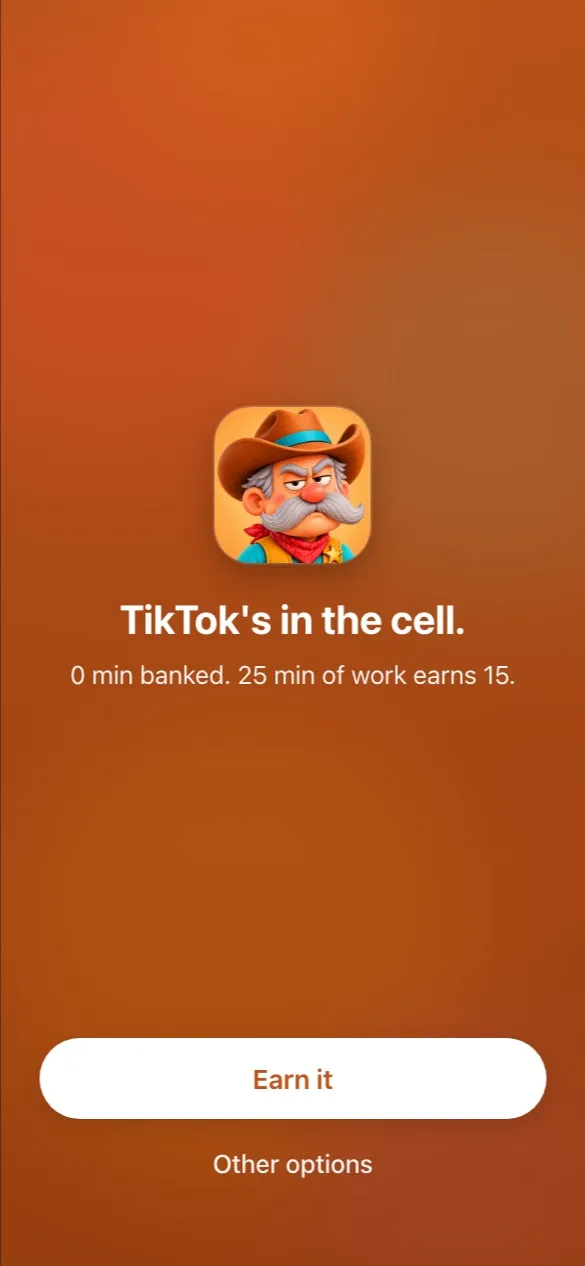
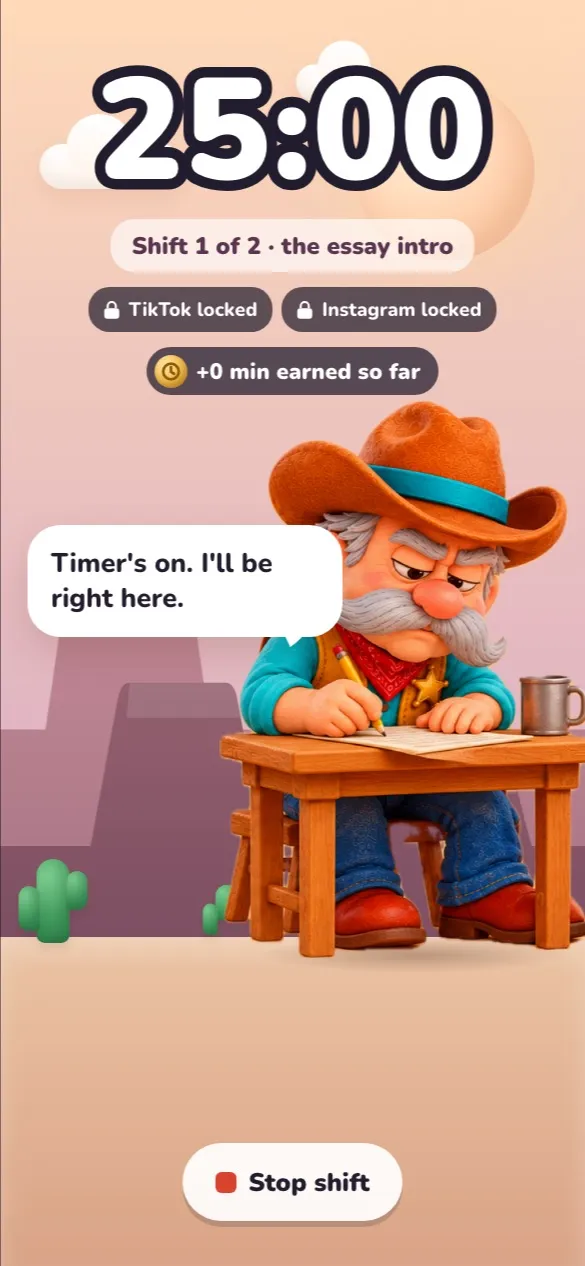
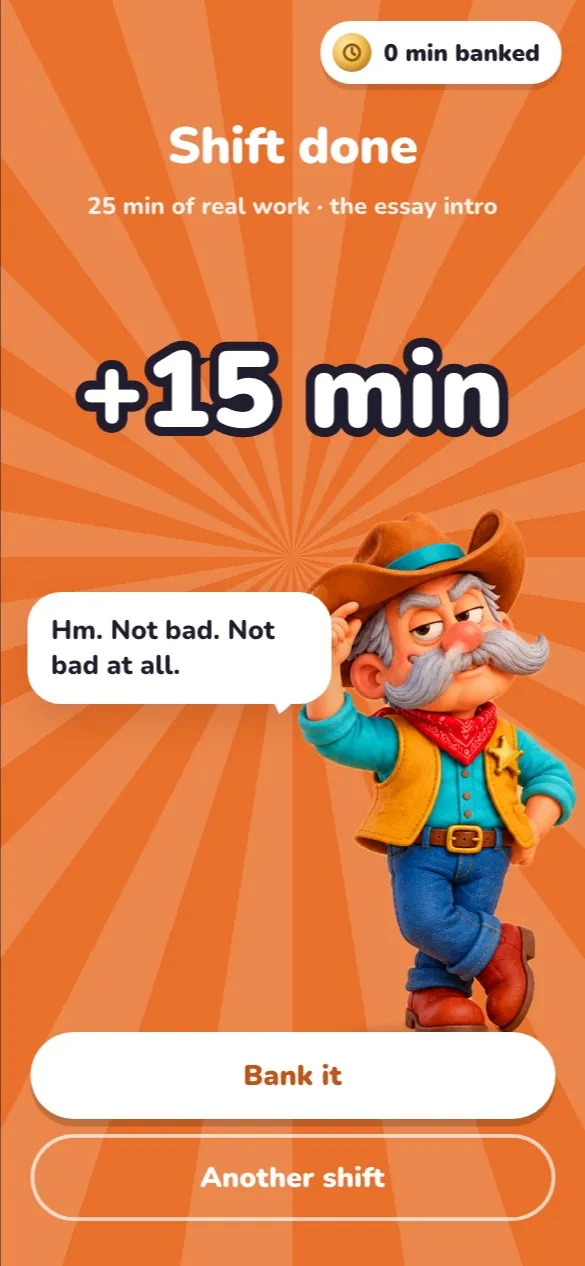
Total bans don't last, because the feed isn't evil, it's just badly timed. A simple rule works better: 25 minutes of real work earns 15 minutes of scrolling. You still get your videos. You just get them after the work, without guilt.
That rule is the whole idea behind Scroll Sheriff, the app we're building for iPhone. It keeps TikTok, Instagram and YouTube locked until you've done a focus shift, and a grumpy clay sheriff keeps you company while you work.
If you slip
You will, sometimes. It doesn't undo the progress. Skip the guilt spiral, which mostly leads to more scrolling, and do one small block now.
"Rough one. Happens to the best of us. Ten minutes?"The Sheriff
FAQ
Should I delete social media completely?
You can, but most people reinstall. Limiting when you scroll tends to last longer than banning it.
What's the fastest single change?
Move the apps off your Home Screen and charge your phone outside the bedroom. Both take two minutes and cut a lot of automatic scrolling.
Is Scroll Sheriff out yet?
Not yet. We're building the iPhone app now. Join the waitlist and we'll email you once, when it's ready.